
Lets Try Something New!
Create a free sample presentation; research a topic; or simply explore your creativity. Lets have some fun and get started with LetsGo Slides.
Installation
LetsGo Slides is a Google Slides™ Add-on. Install it from Google Workspace Marketplace and start a free trial (no registration or credit card required).
⚠️ When using LetsGo Slides (or any other Google Editor Add-on), make sure only one account is signed into the active Google profile, to avoid security authorization problems. If there is more than one account signed in, LetsGo Slides will detect and warn you; and you’ll need to sign out of the extra accounts before continuing. (For more information, refer to Google's notes on this issue.)
Start LetsGo Slides using the Google Slides™ menu item Extensions > LetsGo Slides > Start LetsGo Slides.
Create Slides
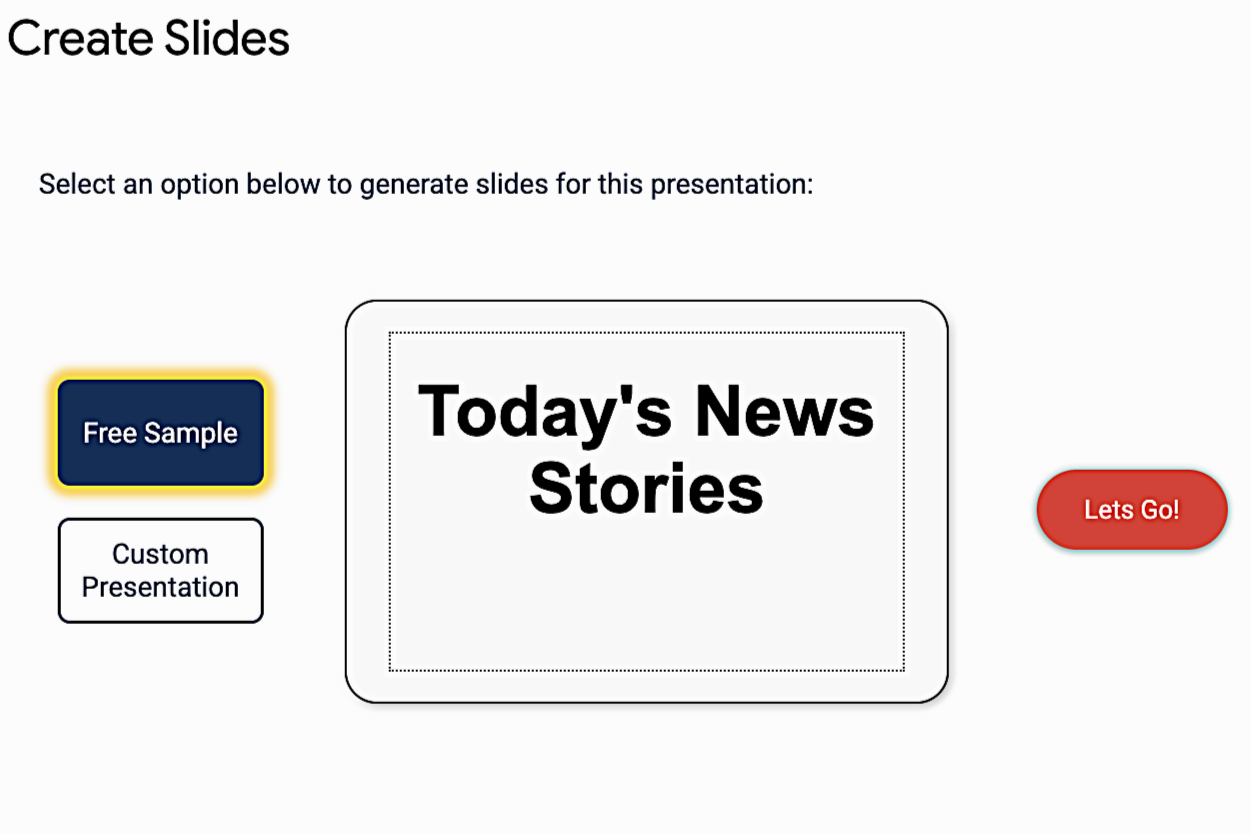
When LetsGo Slides starts, you’ll see the Create Slides window which allows you to create a free sample or create a custom presentation from a title.
Create a Free Sample Presentation
Click “FREE Sample” to create a short presentation that demonstrates the capabilities of LetsGo Slides by creating a presentation of Today’s News Headlines complete with body content, citations, speaker notes and unique images.
Free samples cost nothing (they do not affect your credits).
Click the LetsGo button to create the sample presentation, this takes about a minute. The new slides are added to the beginning of the current presentation, and do not overwrite any other slides in your presentation.

Custom Presentation
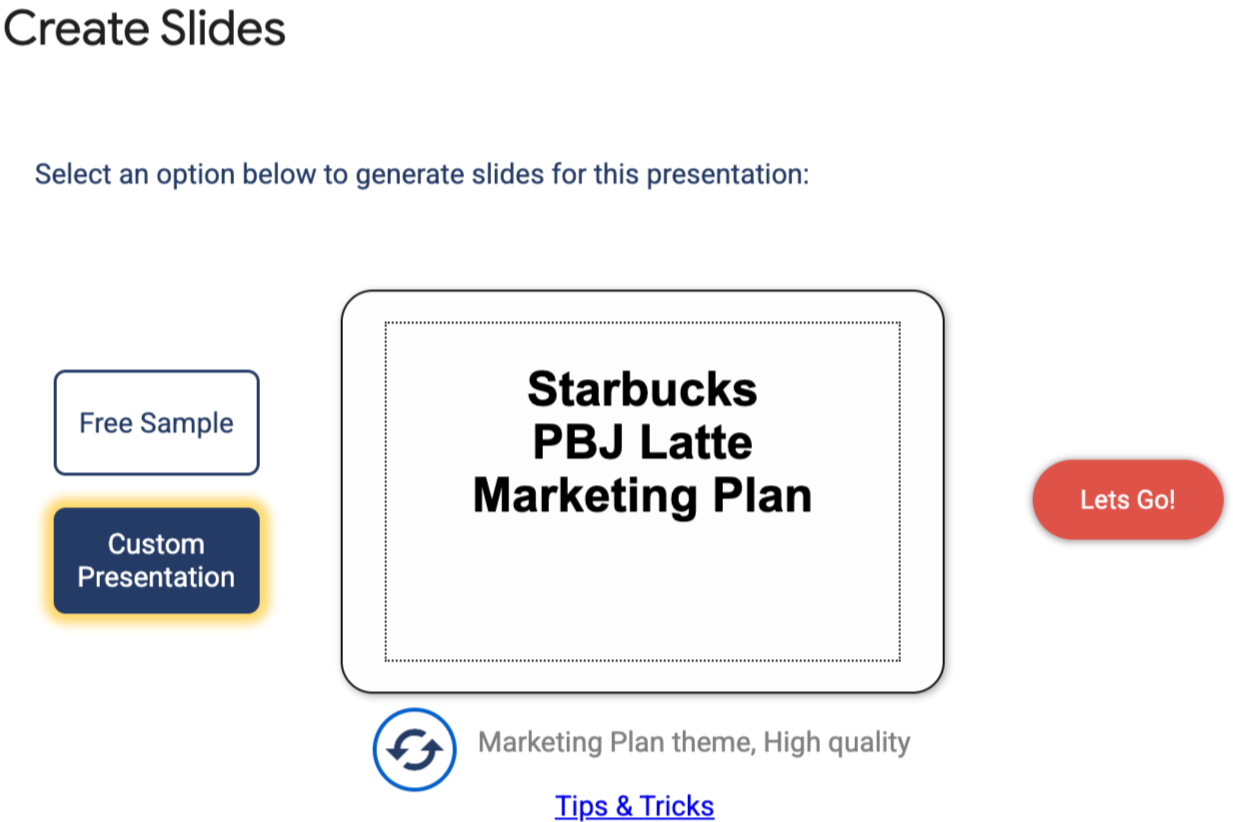
Click on the “Click to Edit Presentation Title” and type the title for your presentation . LetsGo Slides doesn’t require a prompt from you, just the title for your presentation. Your title can be anything from fun to serious like:
“How to Train a Puppy"
“Today’s Technology News”
“Whats New on TV this Month”
If you need some inspiration, click the refresh button to see some pre-loaded presentation titles. For more inspiration, visit our First Time User Tips & Tricks page.
Using one of the pre-loaded presentation titles, here is a sample slide for “Starbucks PBJ Latte Marketing Plan”

What Next?
Don’t hesitate to experiment with LetsGo Slides. As useful as it is as a tool to help you create presentations, it’s also an entirely new way to experiment and create with AI.
You can create images, share them, and use them elsewhere, all without writing a single prompt or changing browser tabs.
You can get text generated with real-time information and Fact Check the information. Your imagination is the limit with LetsGo Slides!